Live courses in computers, coding, data and AI

Turn screen time into skill time.

Real trainers teach live over video. Your child practises at our centers and finishes a project in every module, from Excel to games to AI.

  • Open to everyone
  • Unlimited practical classes
  • Hindi and English
  • Certificate on completion

Taught by people who do it for real

Not just teachers. Practitioners.

  • Work with the tech every dayDevelopers, designers, data analysts and AI engineers
  • Skill-tested before teachingEvery mentor proves it in a practical test
  • Background-verifiedID and police verification for student safety
What your child will learn

Ten worlds of technology. One real project in each.

Every topic is taught live by a trainer, practised by hand, and ends with something your child built and can show.

01Computers and Office

Use a computer like a pro

The base for everything else. How computers, the internet and networks work, then Word, Excel and PowerPoint for real school and office work.

By the end, they can

  • Understand how computers and the internet work
  • Write and format proper documents
  • Use Excel formulas and charts
  • Present ideas with PowerPoint, and stay safe online
  • Windows
  • Chrome
  • Gmail
  • Word
  • Excel
  • PowerPoint

Course: Advanced Computing

02Coding with Python

Write programs that think

Python is the first real language most programmers learn. Programs that make decisions, repeat work and save files, then games and small apps.

By the end, they can

  • Write programs with variables, loops and decisions
  • Make games with Turtle and Pygame
  • Automate boring tasks with scripts
  • Later: crack coding contests with DSA
  • Python
  • Google Colab
  • Pygame

Courses: Python Programming · DSA and Competitive Programming

03Websites

Build a website and put it online

From a blank page to a real website with its own address. Then make it interactive, and build sites and shops for local businesses.

By the end, they can

  • Lay out pages with HTML and CSS
  • Make every page work on phones too
  • Add quizzes and live data with JavaScript
  • Publish the site free on the internet
  • GitHub Pages
  • Netlify
  • JavaScript
  • WordPress
  • WooCommerce

Courses: HTML and CSS · JavaScript Essentials · WordPress Websites

04Game design

Stop playing games. Start making them.

Open from Class 6. Characters, levels and scores in Scratch first, then Godot, a free, professional game engine.

By the end, they can

  • Make characters move, jump and score
  • Design levels with sound and art
  • Build a complete 2D platformer in Godot
  • Scratch
  • Godot

Courses: Scratch Game Design · Godot Game Development

05Mobile apps

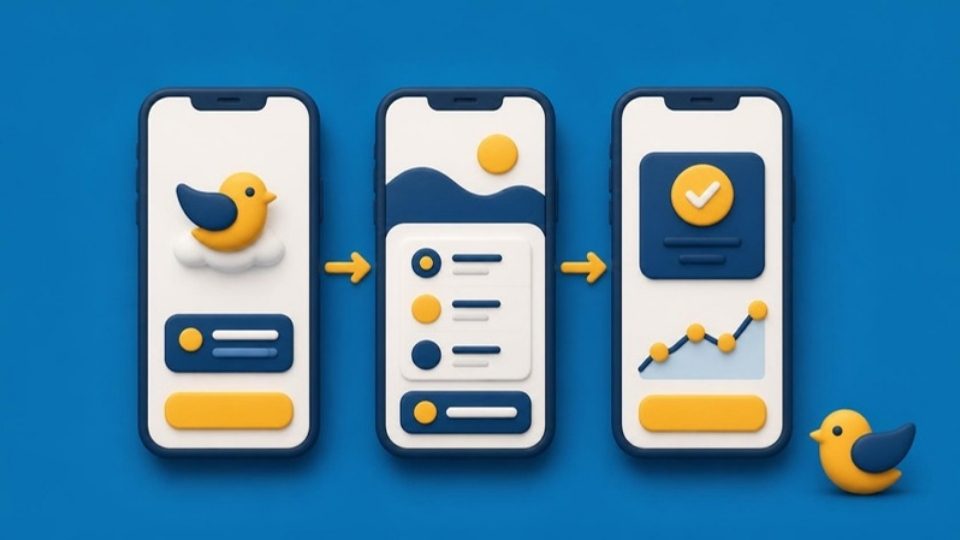
Turn an idea into an app on the phone

Design the screens, connect the buttons and run it on a real Android phone. Then build bigger apps with many screens and live data.

By the end, they can

  • Design screens and buttons
  • Use the phone's sensors
  • Test apps on a real phone
  • Build multi-screen apps in Flutter
  • MIT App Inventor
  • Flutter
  • Android Studio

Courses: App Inventor Apps · Flutter App Development

06UI/UX design

Design apps people love to use

Every good app starts with a design. Find the real problem, sketch it, design it in Figma and test it with real people.

By the end, they can

  • Talk to users and find the real problem
  • Sketch wireframes and user flows
  • Design screens in Figma
  • Build a clickable prototype and test it
  • Figma
  • FigJam
  • Paper prototyping

Course: UI/UX Design with Figma

07Data

Turn numbers into answers

Every shop, school and company runs on data. Clean it, ask it questions and turn it into a dashboard anyone can read.

By the end, they can

  • Clean messy data in Excel
  • Ask questions with SQL
  • Build a Power BI dashboard that tells a story
  • Excel
  • SQLite
  • MySQL
  • Power BI Desktop
  • Python

Courses: Excel and SQL for Data · Data Analytics with Power BI

08Artificial Intelligence

Teach a computer to see, read and talk

Not just using AI, but building it. Train models on real data, recognise images, make a chatbot and learn to use AI responsibly.

By the end, they can

  • Train a machine-learning model
  • Build an image recogniser
  • Make a chatbot
  • Use generative AI well, and check its answers
  • Python
  • Google Colab
  • Pandas
  • scikit-learn
  • OpenCV
  • AI assistants

Courses: Artificial Intelligence · Advanced Artificial Intelligence

09Servers, security and cloud

Keep apps safe and online

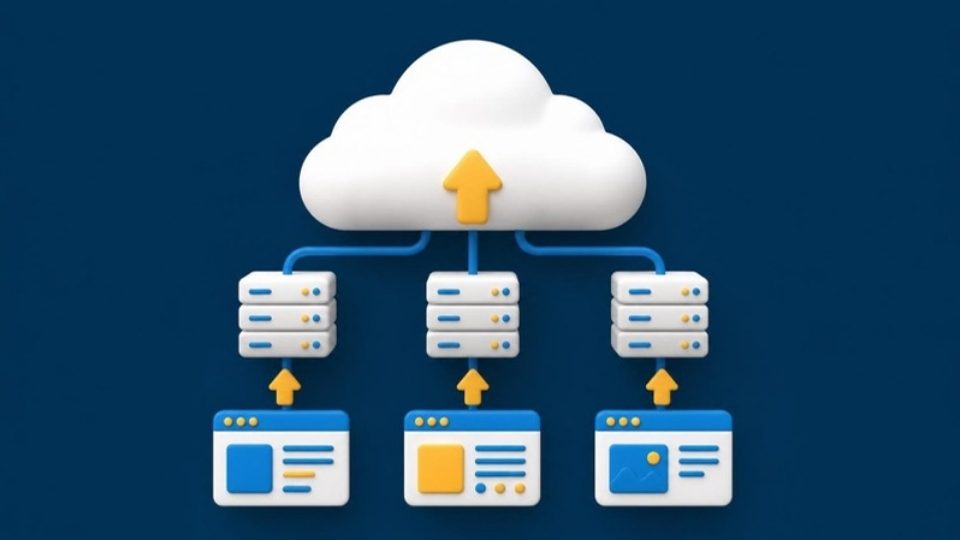
What happens behind every app: servers, databases and the cloud, and how to defend them from attackers, in safe practice labs.

By the end, they can

  • Build servers, databases and APIs
  • Spot and stop common attacks
  • Put an app on the cloud
  • Python
  • Flask
  • SQL
  • Git
  • Linux
  • Security labs

Courses: Back-end Development and Databases · Cyber Security · Cloud Computing

Coming to centers

10Robots and machines

Build robots and smart machines

Hands-on kits at our centers: sensors, motors and the controllers used in real factories. Opening center by center.

By the end, they can

  • Wire sensors and motors to an Arduino
  • Program a robot to move and react
  • Learn the PLCs used in factories
  • See how a computer chip is designed and made
  • Arduino
  • Sensors
  • Motors
  • PLC

Equipment courses · Tell me when it opens

How learning works

Every topic is taught live, then practiced with your hands.

  1. Register and pay

    Choose a course or a career path and pay by UPI. Your seat is confirmed by email.

  2. Join live classes

    Your trainer teaches over video with screen sharing. Ask questions as you go.

  3. Practice at a center

    Unlimited practical sessions for every topic, with a trainer beside you.

  4. Build and get certified

    Finish a project in every module and earn your TivloLab certificate.

Courses

One clear ladder, from first click to AI

18 live courses in 4 levels. Start at Level 1 and climb, one step at a time.

See all courses, paths and fees

Start here: Advanced Computing, 40 live hours, ₹3,499. No experience needed.

Why students choose TivloLab

How every course is taught

  • Build to showNo theory-only modules. Every class ends with a working project.
  • Live trainer and unlimited practicalsLive classes with screen sharing, plus practical sessions at our centers.
  • Problems from your townProjects for shops, schools, farms and businesses near you.
  • Hindi and EnglishIdeas explained simply in both; technical words learned in English for jobs.
  • A ladder you can seeSmall courses first, then bigger ones, so students and parents can see the progress.
  • Showcase Day and portfolioPresent your project to parents and schools, and leave with a portfolio online.

What you get

  • Skills you use every dayDocuments, spreadsheets, presentations, email and staying safe online.
  • A real trainer, liveNo pre-recorded courses. Every class is taught live, and recordings stay in your account.
  • Practice without limitsCome to a center for as many practical sessions as you need.
  • Future-ready, earlyHands-on coding, data, design and AI skills, some of the fastest-growing areas in technology.
  • Projects to showEvery module ends with something you build, train or fly.
  • Open to everyoneNo experience needed. We start from the basics.

Questions

Do I need any computer experience?

No. Advanced Computing starts from the very basics, and almost everyone begins there. The one exception is Scratch Game Design, which is open from Class 6 without it.

How do live classes work?

At the scheduled time, you join from your phone or computer. Your trainer teaches over video and shares their screen, and you can ask questions as you go. Recordings appear in your account afterwards.

What are practical classes?

Every topic has practical sessions at TivloLab training centers, on scheduled dates and times. They are unlimited and included in every package. If you live near a center, we strongly encourage you to join.

What if I miss a class?

Watch the recording in your account, and attend the practical session for that topic on another date.

Do I get a certificate?

Yes. Complete the modules and the final project to receive a TivloLab certificate.

How do I pay?

By UPI after you register. Your seat is confirmed by email once the payment is verified.

Can I buy a whole career path?

Yes. Each career path is sold as one bundle. The crossed-out price is the real total of its courses bought one by one, so the saving is genuine.

Why are drones, robotics and industrial automation not open?

These courses need equipment at the center. They open, center by center, once the kits are in place. Tap Notify me to hear first.

Ready to start learning?

Register in two minutes, or send us a question and we'll help you choose the right course. We reply within one working day.

Want to teach coding, AI, data or computers? Apply to become a mentor.

Ask a question